

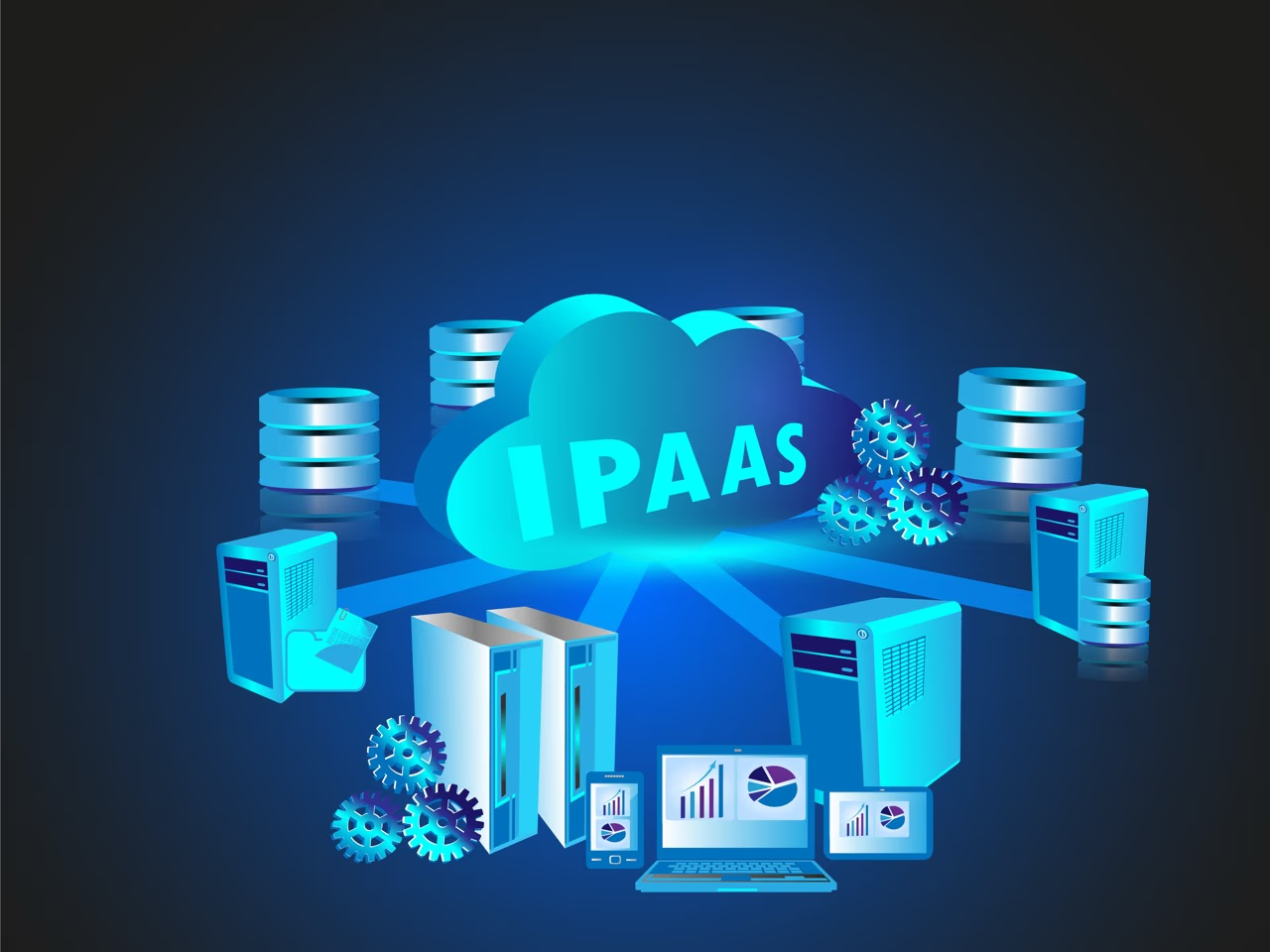
iPaaS (Integration Platform as a Service) helps businesses connect their cloud applications and move data between systems without building custom integrations. If you're juggling multiple software tools and struggling to get them talking to each other, iPaaS might be the solution.
About Orderful
Orderful is a cloud-based EDI platform that simplifies how businesses connect with trading partners. We handle the integration complexity so you can focus on growing your business. Whether you need to exchange purchase orders, invoices, or inventory data, Orderful makes it work without the typical EDI headaches. See how we compare to traditional EDI or talk to our team about your integration needs.
Most growing businesses run dozens of different software applications. Your sales team uses Salesforce, accounting runs on QuickBooks, orders flow through Shopify, inventory lives in a warehouse management system, and you're exchanging EDI documents with retail partners. Getting all these systems to share data reliably is a massive headache.
You have three options: hire developers to build custom integrations, live with manual data entry between systems, or use an iPaaS platform. Most companies find that iPaaS delivers the best results at the lowest cost.
What Is iPaaS? The Simple Definition
iPaaS stands for Integration Platform as a Service. It's cloud-based software that connects your different business applications and automates data flow between them.
Instead of your IT team building separate integrations for every connection you need (Salesforce to QuickBooks, Shopify to your warehouse system, EDI platform to your ERP), an iPaaS provider gives you pre-built connectors, transformation tools, and workflow automation that work together.
Think of iPaaS as a universal translator for your software stack. It speaks the language of all your different applications and handles the conversation between them automatically.
How iPaaS Actually Works
Traditional integration means your IT team writes code to connect Application A to Application B. Then they write more code to connect Application B to Application C. As you add applications, the number of connections multiplies quickly. Five applications require potentially 10 different integrations. Ten applications need 45. This approach doesn't scale.
iPaaS takes a different approach. You connect each application to the iPaaS platform once. The platform handles all the connections, data transformations, and routing between applications automatically.
Here's what happens behind the scenes:
You connect your applications to the iPaaS platform using pre-built connectors. Most iPaaS providers offer hundreds of connectors for popular business software.
You define your workflows using the iPaaS interface. For example: "When a new order comes into Shopify, create a sales order in NetSuite, send order details to the warehouse system, and generate an EDI 850 purchase order to send to the supplier."
The platform handles execution automatically. It monitors for trigger events (like new Shopify orders), transforms data formats as needed, and pushes information to the right destinations.
You get visibility and control through dashboards showing what's flowing where, error notifications when something fails, and tools to modify workflows without writing code.
The iPaaS provider manages the infrastructure, monitors for issues, and maintains the connectors as your applications release updates. Your IT team focuses on business logic rather than technical plumbing.
What iPaaS Does For Your Business
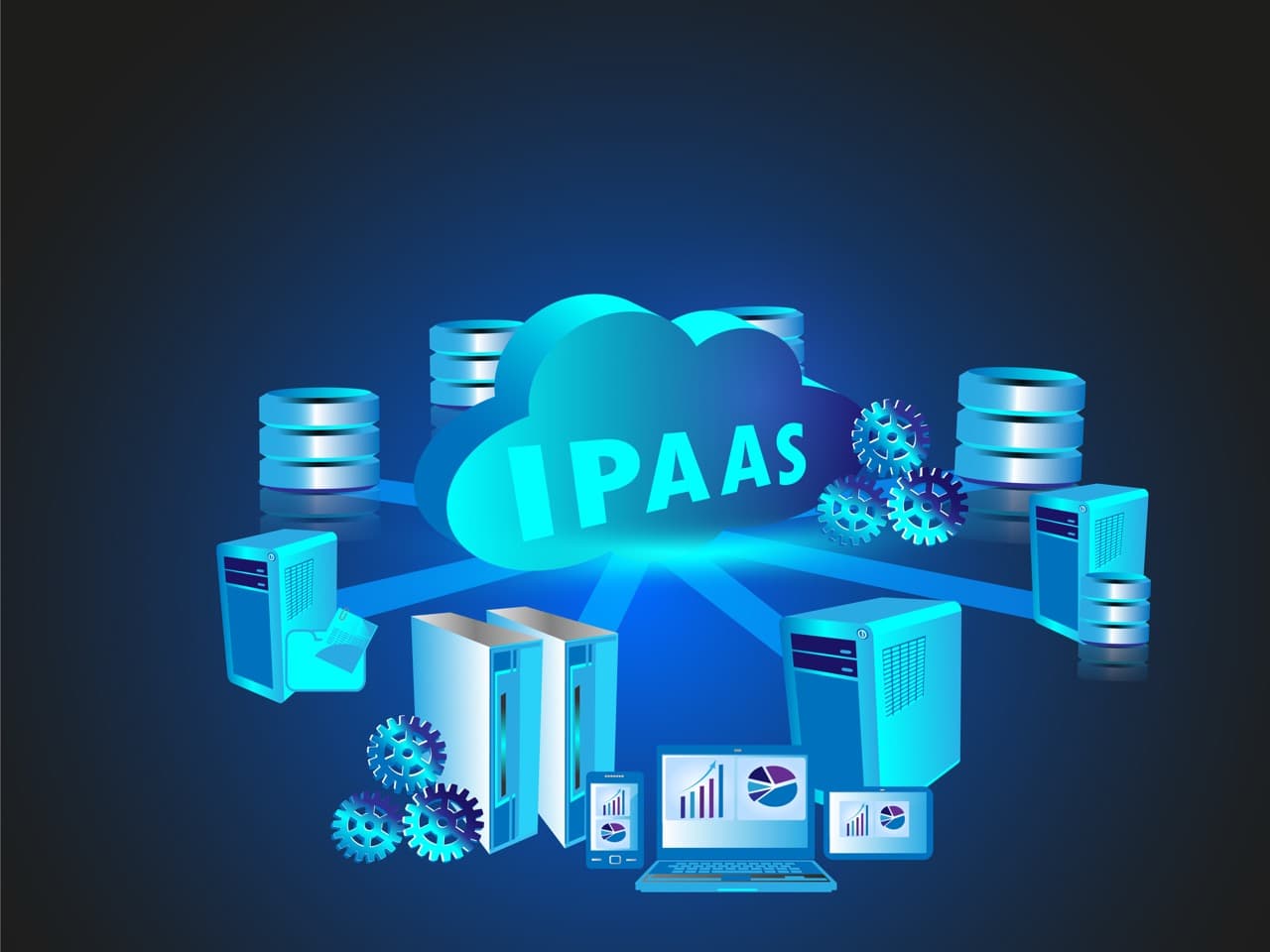
iPaaS platforms handle several critical functions:
Application integration connects your business systems and enables automated data exchange. Instead of manually entering order information from Shopify into your accounting system, iPaaS does it automatically within minutes of the order being placed.
Data integration consolidates information from multiple sources into unified views. Pull customer data from your CRM, order history from your e-commerce platform, and support tickets from your help desk to create complete customer profiles.
Workflow orchestration automates complex business processes involving multiple systems. When a customer places an order, iPaaS can automatically check inventory, charge the credit card, create shipping labels, update accounting records, and notify your warehouse, all without human intervention.
API management provides tools to work with the APIs that connect your applications. Most modern software offers APIs, but managing dozens of different API connections manually is tedious and error-prone.
Protocol support handles different communication methods. Some systems use REST APIs, others require SOAP, some still use FTP or SFTP. iPaaS speaks all these languages so you don't have to.
Data format handling translates between XML, JSON, CSV, EDI, and proprietary formats. Your accounting software might export CSV files while your EDI platform needs X12 format. iPaaS handles the conversion automatically.
Monitoring and alerts watch for failures, slow performance, or unusual patterns. When an integration breaks (and they do occasionally), you get notified immediately instead of discovering the problem days later when orders haven't been processed.
Why Businesses Choose iPaaS
The benefits of iPaaS become obvious once you've tried to build integrations manually:
You Avoid Custom Integration Hell
Building and maintaining custom integrations is expensive and time-consuming. Each connection requires development work, testing, and ongoing maintenance. When one application updates its API, your custom integration breaks and needs fixing.
iPaaS providers maintain the connectors for you. When Salesforce changes something, the iPaaS provider updates their Salesforce connector and your integration keeps working. You don't spend IT resources chasing API changes.
Your Business Can Scale
Adding a new application with custom integrations means building new connections to all your existing systems. The complexity grows exponentially.
With iPaaS, you connect the new application to the platform once and define how it should interact with your other systems. Adding application number 11 is no harder than adding application number 3.
Implementation Happens Faster
Custom integration projects take months. Pre-built connectors and visual workflow builders let you implement integrations in weeks or even days. This speed matters when you're trying to respond to business opportunities quickly.
Your Team Stays Focused
When your IT team spends half their time maintaining integrations, they're not working on projects that differentiate your business. iPaaS shifts integration maintenance to the provider, freeing your team for more strategic work.
Costs Become Predictable
Custom integrations have unpredictable costs. Maintenance, troubleshooting, and updates all require developer time at unknown intervals. iPaaS typically costs a flat monthly fee based on the number of integrations or data volume, making budgeting straightforward.
iPaaS Challenges You Should Know About
iPaaS isn't perfect. Consider these potential issues:
Data security requires careful vendor selection. Your iPaaS provider will have access to data flowing between your systems. Verify their security practices, certifications (SOC 2, ISO 27001), and compliance with relevant regulations before trusting them with sensitive information.
Vendor lock-in is a real risk. If you build extensive workflows in one iPaaS platform, switching to another provider means rebuilding everything. Understand the effort required to migrate before committing. Some platforms make export easier than others.
Complex requirements may exceed platform capabilities. Most iPaaS platforms handle common integration patterns well. If you have highly specialized transformation logic or unusual workflows, verify the platform supports your needs before signing up. Sometimes custom code is still necessary.
Communication with providers varies widely. If you have complex integration requirements, ensure the provider offers adequate support. Some iPaaS companies provide extensive implementation help, others assume you'll figure it out yourself. Match the support level to your team's capabilities.

Real-World iPaaS Use Cases
iPaaS solves practical problems across industries:
E-commerce operations connect storefronts (Shopify, Magento, Amazon) to back-end systems like ERPs, warehouse management, and accounting software. When a customer orders, iPaaS triggers inventory updates, accounting entries, shipping label generation, and EDI transactions with suppliers, all automatically.
Cloud migration projects use iPaaS to move data from legacy on-premises systems to modern cloud applications. Instead of a risky "big bang" migration, companies gradually transition by using iPaaS to keep old and new systems synchronized during the transition period.
IoT device integration connects sensors and devices to business applications. Manufacturing companies use iPaaS to flow machine data into maintenance systems, quality control platforms, and production planning tools without building custom integrations for every device.
External API connections to suppliers, partners, or public databases become manageable with iPaaS. Instead of writing custom code to connect to each partner's API, you configure the connection through the iPaaS platform and it handles authentication, rate limiting, and error handling automatically.
Hybrid cloud management becomes easier when you have applications split between on-premises data centers and multiple cloud providers. iPaaS acts as the glue keeping everything connected regardless of where applications physically run.
BYOD (bring your own device) support improves when iPaaS helps applications work consistently across Windows, Mac, iOS, and Android devices. Employees access the same data and workflows regardless of their device choice.
System modernization happens more smoothly with iPaaS. When updating from legacy software to modern alternatives, iPaaS maintains connections to systems you haven't migrated yet, reducing risk and allowing gradual transitions.
Best Practices for iPaaS Success
Make your iPaaS implementation successful by following these guidelines:
Map your integration requirements before choosing a platform. List every application you need to connect, what data needs to flow where, and any special transformation requirements. Use this list to evaluate whether iPaaS platforms actually support your needs.
Demand transparency from your provider. Don't accept "it just works" as an explanation. Understand how integrations are configured so your team can troubleshoot issues, make changes, and avoid dependency on the vendor for every small adjustment.
Consider multiple providers if needed. Some iPaaS platforms excel at certain types of integrations but struggle with others. You might use one provider for general application integration and a specialized platform like Orderful for EDI integration. The right tool for each job beats forcing everything through one platform.
Plan for outages. Cloud services experience downtime occasionally. Have contingency plans for when integrations stop working temporarily. This might mean brief manual processes or buffer capacity to handle delayed data syncing.
Review integration efficiency regularly. Just because an integration works doesn't mean it's optimal. As iPaaS platforms add features and your business processes evolve, periodically reassess whether you could accomplish the same goals more efficiently.
iPaaS vs. PaaS vs. SaaS
These acronyms sound similar but describe different things:
iPaaS (Integration Platform as a Service) connects applications and moves data between them. Examples: Workato, Celigo, Boomi, Tray.io. You use iPaaS when you need multiple software tools to work together.
PaaS (Platform as a Service) provides infrastructure and tools for developers to build and deploy applications. Examples: Heroku, Google App Engine, AWS Elastic Beanstalk. Developers use PaaS when they're creating new software.
SaaS (Software as a Service) delivers complete applications through the cloud. Examples: Salesforce, Microsoft 365, QuickBooks Online, Orderful. End users consume SaaS applications to accomplish specific business tasks.
These categories work together. You might use SaaS applications for CRM, accounting, and EDI. Those SaaS applications need to share data, so you use iPaaS to connect them. If you need custom software to fill a gap, developers might build it on a PaaS platform.
For most businesses evaluating technology, you're primarily buying SaaS applications and using iPaaS to make them work together. PaaS matters mainly if you're doing custom software development.
EDI Integration: When Specialized Platforms Beat General iPaaS
EDI represents a specific integration challenge where specialized platforms often outperform general iPaaS solutions. EDI requires understanding X12 and EDIFACT standards, managing trading partner-specific requirements, handling compliance validation, and maintaining connections through VANs, AS2, and SFTP protocols.
General iPaaS platforms can technically handle EDI, but it's not their strength. You end up building extensive custom logic to handle mapping, validation, and partner-specific rules. The implementation complexity often rivals custom coding.
Cloud-based EDI platforms like Orderful apply iPaaS principles specifically to EDI challenges. You get pre-built connectors for common ERPs and e-commerce systems, automatic validation against partner requirements, built-in X12 and EDIFACT translation, and managed communication protocols.
Orderful handles EDI complexity so you can treat it like any other integration. Connect your systems to Orderful's API, and we handle partner-specific formatting, compliance validation, and delivery through whatever protocols your partners require.
Companies using Orderful for EDI integration alongside general iPaaS platforms for other connections report this combination works better than trying to force EDI through a general integration platform.
Get Your Applications Talking
As businesses adopt more cloud applications, integration becomes increasingly critical. iPaaS makes it possible to connect everything without building an unmaintainable mess of custom code.
For most business integrations, iPaaS platforms provide the right balance of power and usability. For specialized needs like EDI, purpose-built platforms deliver better results.
As businesses settle into hybrid and remote working, demand for cloud integration continues to grow. Orderful provides cloud-based EDI integration that works like modern iPaaS, with the specialized knowledge EDI requires.
If you'd like to learn more about cloud-based EDI and forge stronger connections with your trading partners, contact us today to book a consultation with one of our EDI experts.
Common Questions About iPaaS
What does iPaaS stand for?
iPaaS stands for Integration Platform as a Service. It's cloud-based software that connects different business applications and automates data flow between them. Instead of building custom integrations for every connection, iPaaS provides pre-built connectors, transformation tools, and workflow automation.
How is iPaaS different from traditional integration?
Traditional integration requires developers to write custom code connecting each pair of applications. iPaaS uses pre-built connectors and visual configuration tools, letting you set up integrations in days instead of months. The iPaaS provider maintains connectors as applications update, eliminating ongoing maintenance burden.
What are the main benefits of using iPaaS?
iPaaS reduces integration costs, accelerates implementation from months to weeks, eliminates ongoing maintenance of custom code, enables business users to configure integrations without coding, provides monitoring and error handling automatically, and scales easily as you add more applications to your stack.
How much does iPaaS cost?
iPaaS pricing varies widely based on the number of integrations, data volume, and platform features. Entry-level plans start around $500-$1,000 monthly for small businesses. Mid-market companies typically spend $2,000-$10,000 monthly. Enterprise implementations can exceed $20,000 monthly depending on scale and complexity.
What's the difference between iPaaS and PaaS?
iPaaS (Integration Platform as a Service) connects existing applications and moves data between them. PaaS (Platform as a Service) provides infrastructure for developers to build new applications. You use iPaaS when you need Salesforce to talk to QuickBooks. You use PaaS when you're creating custom software from scratch.
Can iPaaS handle EDI integration?
General iPaaS platforms can technically handle EDI but lack specialized EDI knowledge built in. You end up recreating EDI mapping, validation, and partner management logic yourself. Purpose-built EDI platforms like Orderful apply iPaaS principles specifically to EDI challenges, providing better results with less effort for supply chain integration.
- 01About Orderful
- 02What Is iPaaS? The Simple Definition
- 03How iPaaS Actually Works
- 04What iPaaS Does For Your Business
- 05Why Businesses Choose iPaaS
- 06iPaaS Challenges You Should Know About
- 07Real-World iPaaS Use Cases
- 08Best Practices for iPaaS Success
- 09iPaaS vs. PaaS vs. SaaS
- 10EDI Integration: When Specialized Platforms Beat General iPaaS
- 11Get Your Applications Talking
- 12Common Questions About iPaaS
